
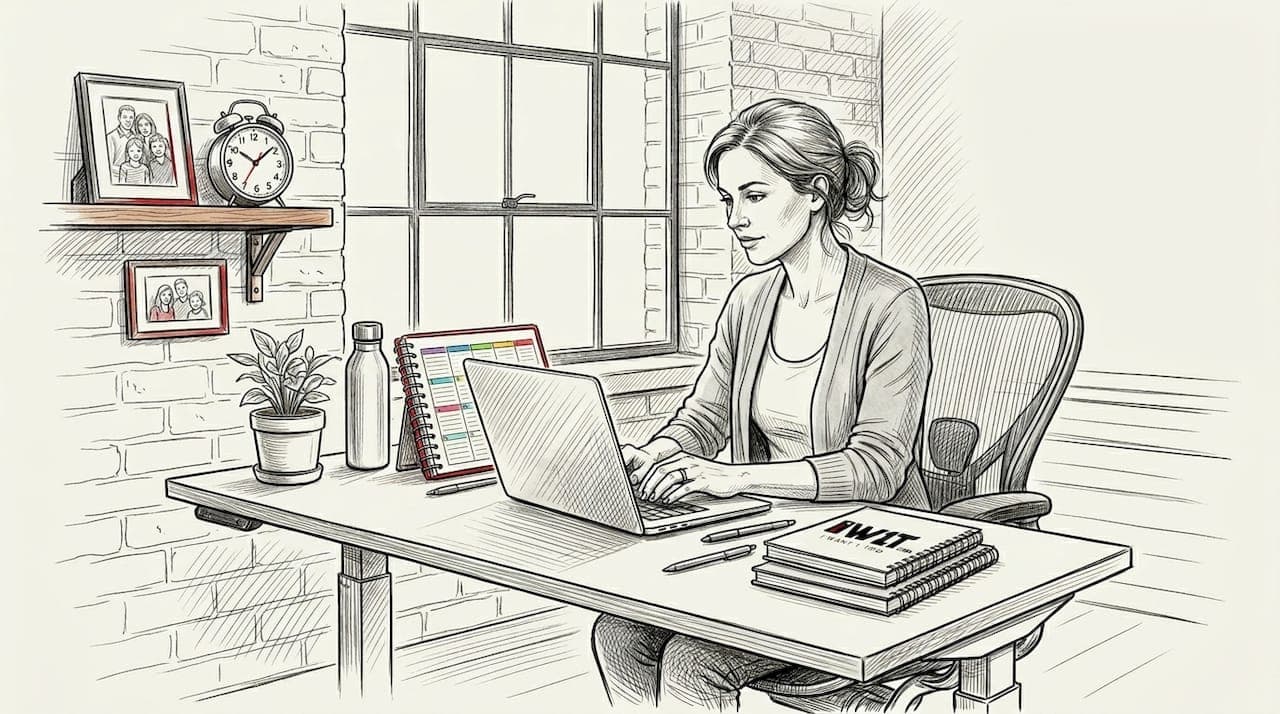
If you've been finishing your workday with a stiff neck, aching wrists, or a nagging lower back, your furniture is probably the culprit rather than your workload. HSE links poorly designed workstations to a catalogue of health problems including pain in the neck, shoulders, back, arms, wrists and hands, plus fatigue and eye strain — and millions of UK home workers are exposed to exactly these risks every single day. Ergonomic furniture isn't a luxury purchase for tech executives. It's the most practical thing you can do to protect your health while you work from home.
Table of Contents
- What is ergonomic furniture and why does it matter?
- Evidence-backed benefits: Pain reduction and wellness
- Critical guidance: UK Health and Safety Executive standards for home workspaces
- Nuance and limitations: What ergonomic furniture can — and can't — do
- A fresh take: Why UK workers should treat ergonomics as risk management, not a luxury
- Explore curated ergonomic solutions for your home workspace
- Frequently asked questions
Key Takeaways
| Point | Details |
|---|---|
| Health-driven design | Ergonomic furniture is engineered to reduce the risk of pain and strain, not just to boost comfort. |
| Regulatory relevance | UK HSE standards apply equally to home and office workspaces, making ergonomic furniture vital for compliance. |
| Evidence-based benefits | Studies show ergonomic setups lower pain intensity in key areas like the lower back and wrists. |
| Holistic approach needed | Furniture alone can't address all risks—a combination of posture, movement, and task design brings best results. |
What is ergonomic furniture and why does it matter?
Ergonomics is the science of designing equipment to fit the person using it, rather than forcing the person to adapt to the equipment. When applied to home workspace furniture, this means creating a setup where your body is supported in a neutral, comfortable position throughout the working day — without needing to strain, twist, or compensate.
Standard furniture — a kitchen chair pulled up to a dining table, for example — was never designed for six to eight hours of focused, screen-based work. It lacks lumbar support, offers no height adjustability, and places your screen, keyboard, and mouse in positions that gradually build tension across your shoulders, wrists, and spine. The result is predictable and preventable.
What makes furniture genuinely ergonomic comes down to three principles:
- Fit: The furniture adjusts to your specific body dimensions, not the other way around. Seat height, armrest position, and desk surface should all be configurable.
- Work-zone geometry: Your screen sits at eye level, your keyboard sits below elbow height, and your mouse aligns with your elbow — keeping joints in their natural, unstressed positions.
- Reduction of static load: Ergonomic design encourages small postural shifts and reduces the muscular effort required to hold any one position for a sustained period.
"Ergonomic furniture isn't just 'a better chair'. It's the combination of fit, correct work-zone geometry, and reduction of strain from static postures." — HSE good posture guidance
The HSE operationalises these principles with a concrete checklist covering seat height, back support, footrest use, screen placement, and lighting. It's not abstract theory. It's a practical benchmark you can apply to your own home setup this afternoon. If you're also thinking about the wider picture of your home environment, exploring ergonomic home accessories can complement your furniture choices and take the benefits even further.
Evidence-backed benefits: Pain reduction and wellness
Understanding what ergonomic furniture is designed to do is one thing. Seeing the real-world evidence for what it actually achieves is another, and the research is genuinely compelling.
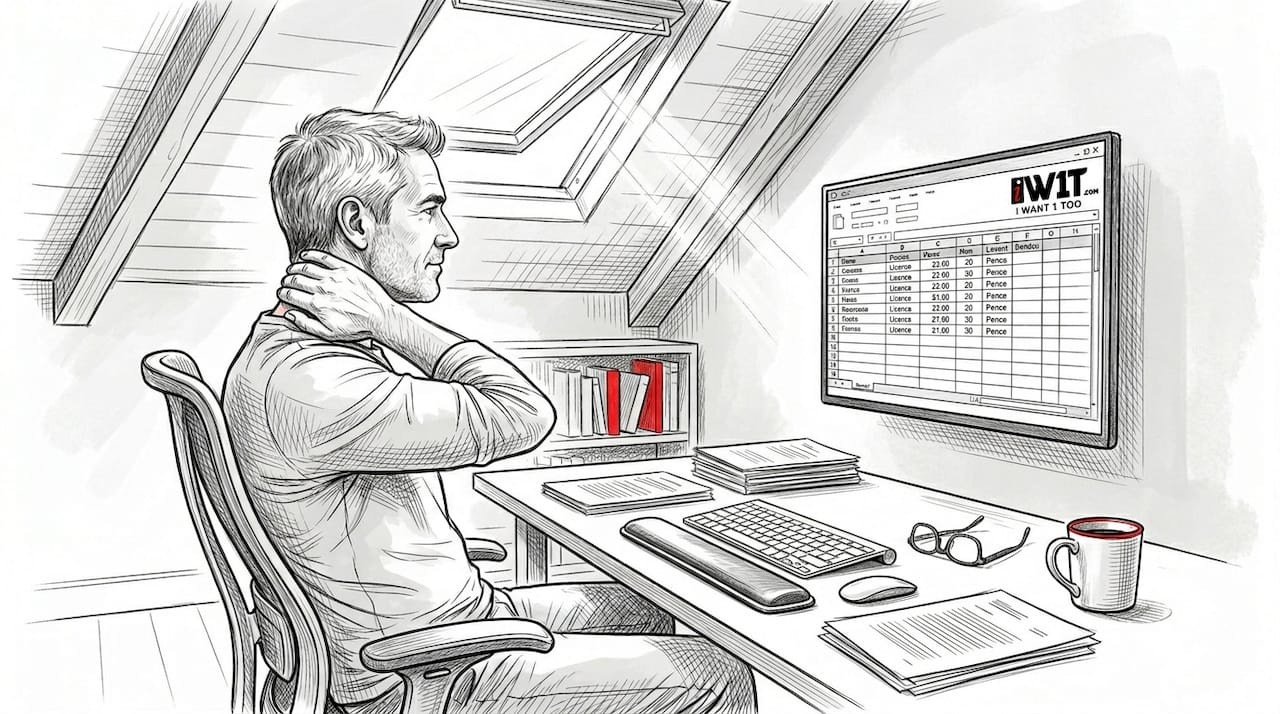
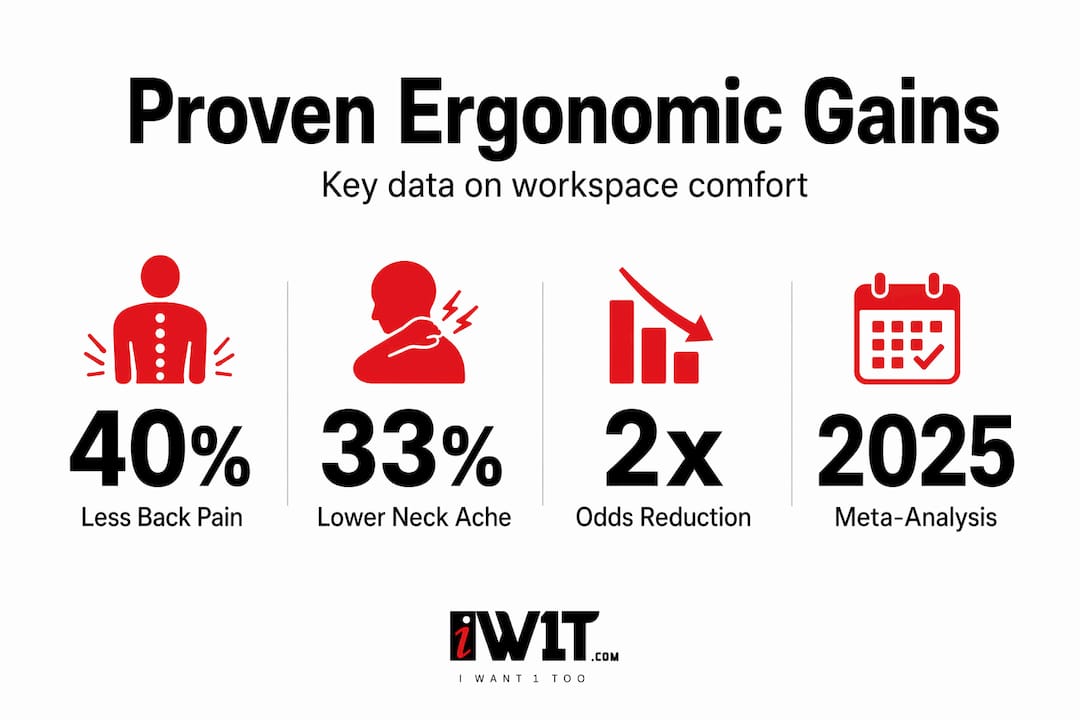
A 2025 systematic review and meta-analysis pooled evidence across multiple studies and found that ergonomic interventions significantly reduced work-related musculoskeletal pain, including lower back pain, compared with conventional workstation setups. This isn't a single small study — it's a synthesis of the best available evidence, and it consistently points in the same direction.
Which body regions benefit most? The data shows that ergonomic furniture delivers the greatest improvements in:
| Body region | Typical ergonomic benefit |
|---|---|
| Lower back | Reduced pain intensity and episode frequency |
| Neck and upper back | Lower muscle tension and fewer postural strain events |
| Wrists and hands | Reduced repetitive strain injury risk |
| Ankles and feet | Improved circulation with correct seat height and footrest use |
| Eyes | Reduced fatigue with correct screen distance and angle |
The practical implication here is important. Not every person experiences pain in the same area. Someone who types heavily may develop wrist symptoms first. Someone on long video calls may suffer neck and shoulder issues sooner. Ergonomic furniture lets you address your specific risk profile by adjusting the setup to match your most demanding tasks.
Statistic worth noting: The 2025 meta-analysis found that ergonomic interventions reduced the odds of experiencing musculoskeletal discomfort across multiple body regions — not just one area. This is significant because home workers often face compounding issues rather than a single, isolated complaint.
For more ways to support your body at home, the home comfort tips on our blog cover a range of practical strategies that work alongside good furniture choices.
Critical guidance: UK Health and Safety Executive standards for home workspaces
Many UK home workers assume that HSE guidance only applies to formal offices. This is a costly misunderstanding. HSE requires employers to protect DSE users — including those working from home — from the health risks associated with display screen equipment (DSE). DSE regulations cover anyone who uses a computer, laptop, or screen-based device as a significant part of their daily work, regardless of where that work takes place.
The HSE's core ergonomic benchmarks for home workspaces are concrete and actionable:
- Screen height: The top of the monitor should be roughly at eye level so you look slightly downward at the screen without bending your neck.
- Keyboard placement: Position the keyboard so your elbows are at approximately 90 degrees, with your forearms parallel to the floor or angled very slightly downward.
- Mouse alignment: Keep the mouse at the same height as the keyboard and as close to your body as practical, reducing shoulder strain.
- Seat support: Your chair should support the natural curve of your lower back (lumbar region), with feet flat on the floor or a footrest.
- Armrests: These should support your arms lightly without raising your shoulders or forcing them outward.
- Lighting and screen distance: Position screens to avoid glare, and maintain a distance of roughly 50 to 70 centimetres from your eyes.
Pro Tip: Do a 60-second posture check at the start of each working day. Sit fully back in your chair, adjust your screen to eye level, and confirm your feet are flat before you type a single word. This tiny habit prevents hours of cumulative tension.
Here's a quick comparison to show how standard and ergonomic furniture measure up against HSE benchmarks:
| HSE benchmark | Standard furniture | Ergonomic furniture |
|---|---|---|
| Seat height adjustable | Rarely | Always |
| Lumbar support | Absent or fixed | Adjustable and contoured |
| Screen at eye level | Dependent on desk height | Achieved with stands/adjustable monitors |
| Keyboard below elbow | Depends on chair/desk combo | Engineered into the setup |
| Mouse aligned with elbow | Often too far out | Kept close with correct desk layout |
For UK home workers who also care about how their workspace looks, choosing functional home décor doesn't mean sacrificing aesthetics for support. And if you're starting from scratch, our guide on how to decorate for comfort offers room-by-room advice grounded in both style and wellness.
Nuance and limitations: What ergonomic furniture can — and can't — do
The evidence for ergonomic furniture is strong, but it's worth being honest about what it can achieve on its own. Furniture is one part of a larger picture, and misunderstanding its limits can lead to disappointment or, worse, continued injury.
Take sit-stand desks as an example. They've become popular as a solution to the sedentary nature of desk work. Evidence from Cochrane reviews suggests that sit-stand and active workstation setups may improve certain musculoskeletal outcomes, but the quality and consistency of results varies considerably depending on how they are implemented and how long they are used. A sit-stand desk used poorly — standing rigidly for hours, for instance — can be just as harmful as sitting all day.
What this tells us is that furniture is an enabler, not a cure. Here are the factors that determine whether ergonomic furniture actually delivers its potential benefits:
- How consistently it's used correctly: An adjustable chair set to the wrong height provides no more benefit than a fixed chair.
- Regular movement breaks: The human body isn't designed for static postures, even comfortable ones. Standing up, stretching, or walking for two to five minutes every 30 to 45 minutes is essential regardless of how good your chair is.
- Task design: Repetitive, high-intensity tasks create strain even in perfect ergonomic conditions. Varying tasks throughout the day reduces cumulative load on any single muscle group.
- Workstation awareness: Ergonomic furniture only helps if you remain aware of your posture and don't gradually drift into poor positions as the day progresses.
Pro Tip: Set a gentle timer every 45 minutes during your working day. When it sounds, stand up, roll your shoulders, and walk to another room before returning. This simple habit adds movement that no piece of furniture can replicate.
Knowing how to select home accessories that support these habits — a good footrest, a document holder, a wrist rest — builds the complete picture that furniture alone cannot provide.
A fresh take: Why UK workers should treat ergonomics as risk management, not a luxury
Here's the perspective most home workspace conversations skip over: ergonomic furniture isn't a lifestyle upgrade. It's risk management, and in the UK, HSE explicitly includes home workers under DSE risk considerations. That means your employer has a legal duty to assess and mitigate the ergonomic risks you face at home, and you have a responsibility to take that seriously too.
We see a lot of people approach ergonomic furniture the way they approach a gym membership — as something aspirational they'll get around to eventually. The problem is that musculoskeletal conditions develop slowly and quietly. You don't feel the cumulative damage of six months spent hunching over a laptop until the pain becomes persistent and starts affecting your sleep, your concentration, and eventually your ability to work at all.
The uncomfortable truth is that cheap, short-term furniture choices often carry long-term costs that far exceed the price of a quality ergonomic setup. Physiotherapy appointments, lost working days, reduced productivity, and the creeping misery of chronic back pain are all outcomes that proper ergonomic furniture actively prevents.
We'd also push back on the idea that ergonomics and aesthetics are in tension. Some of the most thoughtfully designed ergonomic chairs and desks available today are genuinely beautiful pieces of furniture. Choosing wellness doesn't mean choosing ugly. Explore our range of ergonomic home accessories and you'll find options that hold their own in any modern home office.
The real shift we'd encourage every UK home worker to make is this: stop thinking of ergonomic furniture as optional and start treating it as the baseline. Your body isn't a machine that runs indefinitely without maintenance. Your workspace is where you spend most of your waking hours. Investing in it properly is one of the highest-return health decisions you can make.
Explore curated ergonomic solutions for your home workspace
Now that you understand the risks of poor workspace setups and the genuine benefits of ergonomic furniture, the next step is finding solutions that match your space, your body, and your budget.

At IW1T, we've carefully curated a range of home workspace and wellness products designed to support UK home workers at every stage of building a healthier setup. Whether you're starting with a better chair, exploring supportive accessories, or looking for functional décor that doubles as a health tool, our collection is built around the same principles that HSE and the research endorse — fit, support, and thoughtful design. Browse our range today and take the first practical step toward a workspace that genuinely works for you.
Frequently asked questions
What qualifies as ergonomic furniture for home use?
Ergonomic furniture meets specific fit, adjustability, and support criteria, including adjustable seat height, lumbar support, and correct desk geometry as outlined in HSE good posture guidance — for example, screen at eye level and keyboard below elbow height.
Do I need ergonomic furniture if I only work from home a few days a week?
Yes. HSE guidance on DSE applies to all home workers regardless of frequency, since even part-time exposure to poorly designed workstations creates real health risks including pain, fatigue, and eye strain.
Which pain symptoms improve most with ergonomic furniture?
Ergonomic furniture offers the greatest relief for lower back, neck, upper back, wrists, and hands, with 2025 meta-analysis evidence showing reduced musculoskeletal pain across multiple body regions compared with conventional setups.
Are sit-stand desks proven to reduce aches for all home workers?
Not universally. Cochrane evidence shows sit-stand desks may help some people, but results depend on correct implementation — a holistic approach combining furniture, breaks, and movement is more reliable.
Should UK home workers consider HSE standards when buying furniture?
Absolutely. HSE standards apply to home workspaces as well as offices, and following them reduces health risks, meets regulatory expectations, and protects you from the long-term consequences of poor ergonomic setups.