
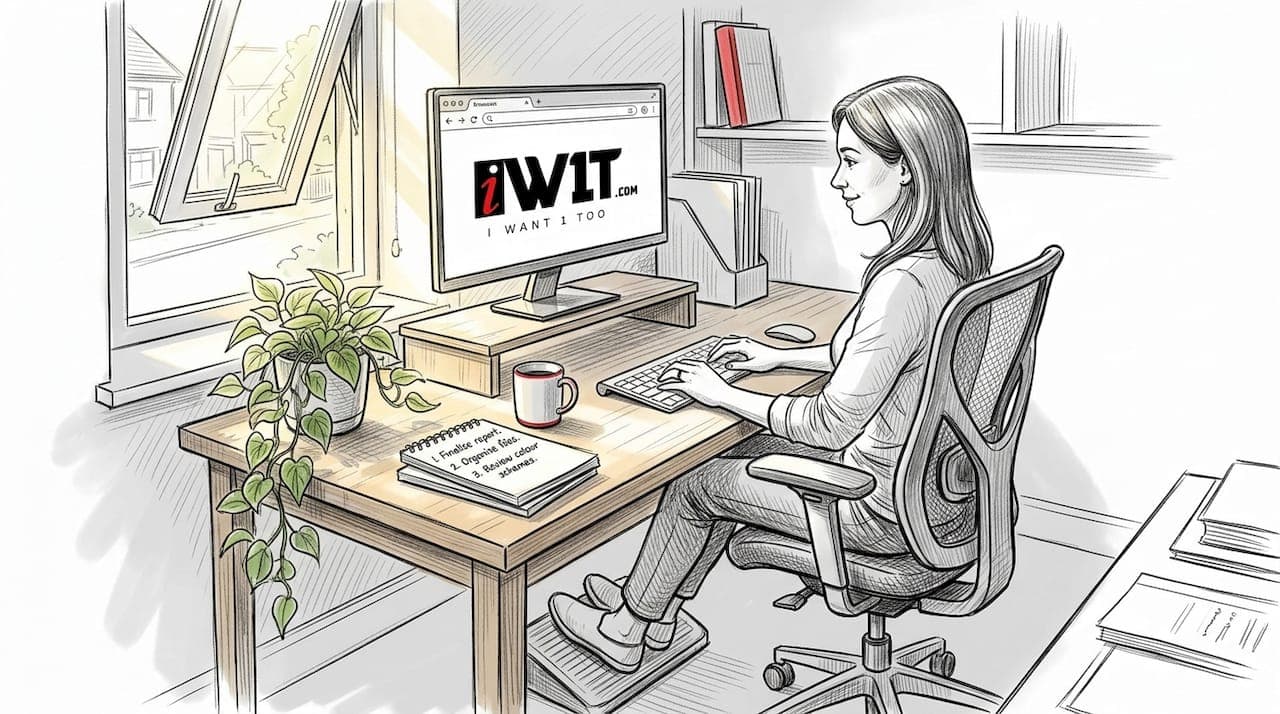
Choosing ergonomic accessories for your home office sounds straightforward until you're staring at dozens of options, all promising to fix your aching back or stop your shoulders from creeping up to your ears by 3pm. The reality is that most people pick accessories based on price or looks rather than evidence, and then wonder why nothing changes. Getting your setup right involves understanding which accessories actually deliver measurable benefits, how they work together, and why placement matters just as much as the product itself. This guide cuts through the noise with practical, research-backed advice.
Table of Contents
- Understanding the essentials of ergonomic home accessories
- Key ergonomic accessories for home comfort and productivity
- Comparing ergonomic accessories: what makes the biggest difference?
- How to choose the right ergonomic solutions for your home
- The overlooked truth about ergonomic accessories
- Explore ergonomic home solutions for comfort and productivity
- Frequently asked questions
Key Takeaways
| Point | Details |
|---|---|
| Accessory placement matters | Correct placement of ergonomic accessories dramatically reduces strain and discomfort. |
| Sit-stand desks aid back pain | Sit-stand desks are proven to help lower chronic back pain more than other accessories. |
| Behaviour still counts | Changing position and taking breaks are just as critical as buying the right accessories. |
| Best value is in adjustability | The most impactful ergonomic products are those that offer adjustable features and fit your workspace. |
Understanding the essentials of ergonomic home accessories
The term "ergonomic" gets used loosely, but in the context of a home office it has a precise meaning: equipment and accessories designed to support your body's natural posture during work, reducing the physical stress that builds up over hours of sitting. The core category includes adjustable chairs, sit-stand desks, monitor stands and risers, keyboard and mouse trays, footrests, and headsets. Each one targets a specific vulnerability in the typical home working posture.
What makes an accessory genuinely ergonomic is not its price tag or how futuristic it looks. It is adjustability. A chair that cannot be changed to fit your specific body proportions is not ergonomic regardless of its branding. The same applies to a monitor riser that puts your screen at the wrong height for your eye level, or a keyboard tray that forces your wrists into an awkward angle. Ergonomic adjustment guidelines clearly show that neutral postures and reduced eye strain depend on correct placement rather than on owning expensive kit.
"Proper accessory placement, monitor at eye level, keyboard and mouse in front, supported feet, reduces strain across the neck, shoulders, lower back, and wrists."
This is where many home workers go wrong. They invest in a quality product, set it up in roughly the right area, and assume the job is done. In practice, a few centimetres of difference in monitor height or keyboard angle can be the gap between comfort and chronic discomfort. If you want to see how physical environment and wellbeing interact beyond the desk, the practical home styling guide and this overview of stylish décor for comfort are worth reading alongside the ergonomics research.
Key ergonomic home accessories you should know about:
- Adjustable chair: Lumbar support, seat height, and armrest adjustability are non-negotiable.
- Sit-stand desk: Allows you to alternate between sitting and standing throughout the day.
- Monitor riser or stand: Raises the screen to eye level to eliminate neck flexion.
- Keyboard and mouse tray: Positions input devices to keep wrists in a neutral, flat alignment.
- Footrest: Supports feet when the chair height is set correctly for the desk but leaves feet unsupported.
- Headset: Keeps hands free during calls and eliminates the shoulder and neck strain of phone cradling.
Key ergonomic accessories for home comfort and productivity
After considering the fundamentals, the next question is which accessories deliver the greatest impact relative to the effort and cost involved. Research is actually quite specific about this. Ergonomic workstation interventions show that accessories reduce discomfort and improve perceived comfort, and when paired with proper training and peripheral equipment, they also improve perceived productivity. Notice the phrase "when paired with training." That detail matters enormously, and we will return to it.
Here is a practical breakdown of the six most impactful accessories, ranked by the breadth of their benefit:
-
Adjustable chair. This is the foundation. A well-fitted chair supports lumbar curvature, keeps hips at roughly 90 degrees, and allows armrests to sit just below elbow height. Without this base, everything else is compensating for a poor starting position.
-
Sit-stand desk. The ability to shift between sitting and standing is one of the most evidence-supported interventions available. Sit-stand workstations are linked with improvements in chronic low back pain outcomes (P=0.02), making them particularly valuable for anyone who already experiences persistent lower back discomfort.
-
Monitor riser or adjustable arm. Raising the screen so the top of the monitor sits at or just below eye level eliminates the subtle forward head position that accumulates over hours. Even a modest riser can make a significant difference to neck and upper shoulder tension.
-
Keyboard and mouse tray. Mounting input devices below desk surface level keeps elbows bent at approximately 90 degrees and wrists in a neutral position. This is especially relevant for workers whose desk height is fixed and cannot be raised or lowered. For broader ideas on improving your home environment, these UK comfort tips offer useful context.
-
Footrest. Often dismissed as a minor addition, a footrest is critical when chair height has been correctly set for desk height but leaves feet dangling. Unsupported feet increase pressure on the underside of the thighs, which can restrict circulation and contribute to lower back strain over time.
-
Headset. Underrated and frequently ignored. If your work involves regular calls, a decent headset removes the temptation to cradle a phone between your ear and shoulder, a posture that causes significant lateral neck strain over the course of a working week. Read more about selecting home accessories to pair these ergonomic choices with your wider home environment.
Pro Tip: If you take calls regularly, prioritise a headset before any other accessory. The neck strain from phone cradling is one of the most common and least-discussed sources of remote worker discomfort.
Comparing ergonomic accessories: what makes the biggest difference?
Understanding relative benefits helps you prioritise when budget or space is limited. The table below summarises the six core accessories, their primary benefit, and the key setup requirement that determines whether they actually work.
| Accessory | Primary benefit | Critical setup requirement |
|---|---|---|
| Adjustable chair | Lumbar and hip support | Set seat height so feet rest flat |
| Sit-stand desk | Reduces back pain, promotes movement | Alternate sitting and standing regularly |
| Monitor riser | Eliminates neck flexion | Top of screen at or just below eye level |
| Keyboard/mouse tray | Neutral wrist position | Elbows bent at 90 degrees, wrists flat |
| Footrest | Supports circulation and posture | Use only when feet cannot rest flat on floor |
| Headset | Prevents lateral neck strain | Adjusted to avoid ear or head pressure |
When deciding which accessories to prioritise, consider these decision drivers:
- Adjustability: Can it be customised to your exact body dimensions and workspace? If not, its ergonomic value is limited regardless of cost.
- Ease of use: An accessory you have to fiddle with or reconfigure constantly will be ignored within a fortnight. Simple, smooth adjustment mechanisms are far more useful than complex ones.
- Evidence of outcome: Sit-stand desks and properly adjusted chairs have the strongest research support. Accessories without evidence behind them may still help, but start where the data points. See functional décor for living for ideas on combining evidence-based ergonomics with aesthetically pleasing home design.
- Compatibility with your tasks: A keyboard tray is invaluable for heavy typing work but may be unnecessary if your primary work involves video calls and reading documents.
Footrests and monitor risers often deliver outsized results for their cost. They are simple, affordable, and address two of the most common postural problems in home offices: unsupported feet and screen-induced neck strain. Sit-stand desks are the highest-impact single investment for anyone already experiencing back discomfort, backed by research on low back pain outcomes.
How to choose the right ergonomic solutions for your home
With these accessories understood, the practical question becomes: how do you choose what is right for your specific situation? The answer starts with an honest assessment of your workspace, not a shopping list.
Use this checklist before buying anything:
- Assess your current setup. Where does discomfort appear most often? Neck? Lower back? Wrists? That tells you which accessory to prioritise.
- Match accessories to your daily tasks. Heavy phone use points to a headset. Long typing sessions call for a keyboard tray. Video-heavy work means monitor placement is critical.
- Check for genuine adjustability. Before purchasing, confirm that seat height, backrest angle, monitor height, or tray position can actually be modified to your exact measurements.
- Review the setup guidance. Every accessory comes with instructions, but most people skip them. Setup quality determines whether an accessory helps or simply decorates your desk.
- Plan for regular breaks. Research on ergonomic optimisation is clear that ergonomic changes work best when they remove harmful postures consistently, but benefit depends on setup quality and behaviour, not just on owning the right equipment.
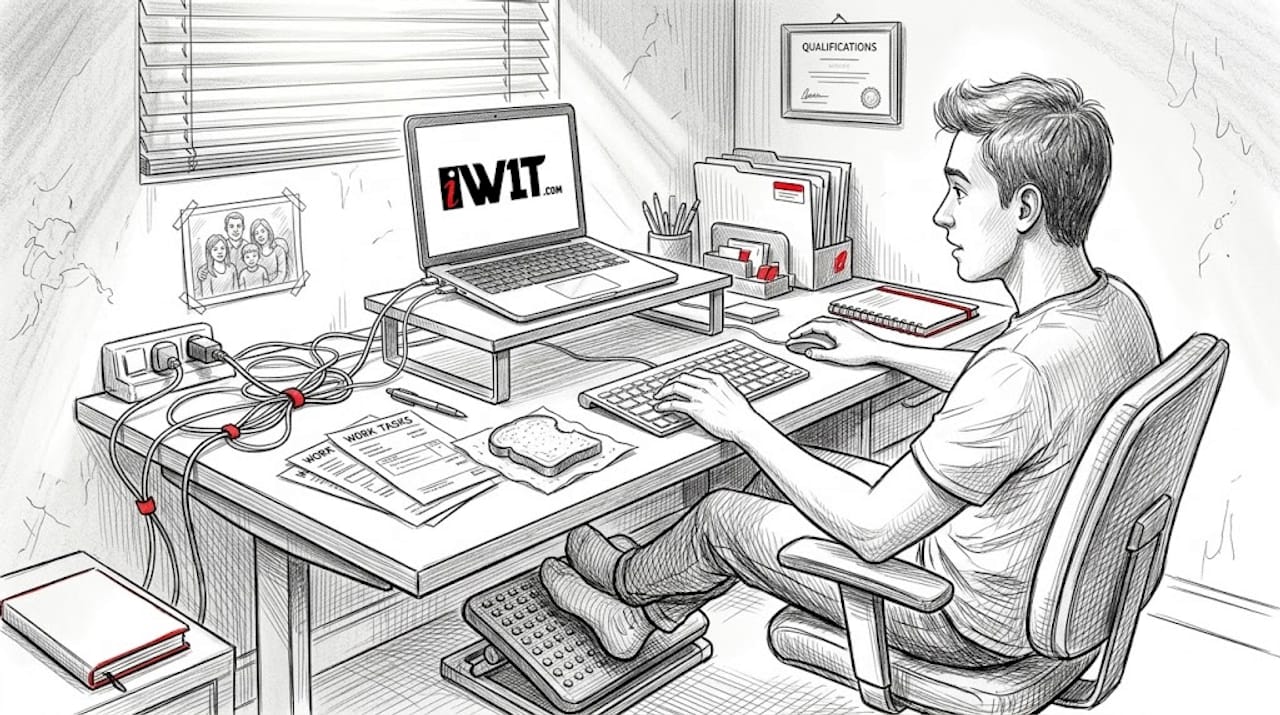
Three specific setup points are repeatedly highlighted in ergonomics guidelines and are worth committing to memory. Your footrest, if used, should sit flat on the floor with your feet resting comfortably on its surface rather than perched at an angle. Your monitor should sit directly in front of you with the top edge at or slightly below eye level. Your keyboard and mouse should rest in front of you, not to one side, with your upper arms hanging naturally downward.
Breaking up long periods of static posture is equally important. Aim to change position every 30 to 45 minutes. Stand up, walk to the kitchen, do a brief stretch. No accessory replaces movement entirely. This is one of the most consistent findings across ergonomics research and one of the most commonly ignored by home office workers.
Pro Tip: Set a recurring reminder on your phone or computer to move every 40 minutes. The reminder itself costs nothing and delivers measurable benefit, regardless of what accessories you own. For inspiration on creating a workspace that supports both comfort and style, explore how to upgrade décor for comfort.
The overlooked truth about ergonomic accessories
Here is something most ergonomics articles avoid saying plainly: behaviour matters more than equipment. We have seen people invest in premium sit-stand desks who never raise them above sitting height because it "feels awkward at first." We have seen expensive chairs that have never had their lumbar support adjusted from the factory default. The accessories work brilliantly in theory and are collecting dust in practice.
The honest reality is that most chronic discomfort in home offices arises from static postures maintained for hours, not from using the wrong brand of chair. A £80 chair used correctly and combined with regular movement will outperform a £600 chair used poorly almost every time. This does not mean quality accessories do not matter. They absolutely do. But they matter most when they are set up properly and used actively, as part of a routine rather than as a passive purchase.
"Most discomfort arises from static postures, not just poor equipment."
The decor and wellbeing insights on our blog explore this connection between environment and health in broader terms. Your home working environment, both ergonomic and aesthetic, shapes your energy and focus throughout the day. But the most expensive environment still requires you to move, adjust, and pay attention to how your body feels. Smart, evidence-based decisions beat a well-intentioned shopping spree every time. Buy what you need, set it up properly, and build the habits to use it.
Explore ergonomic home solutions for comfort and productivity
The research is clear: the right accessories, properly set up and combined with sensible daily habits, genuinely improve comfort and productivity in a home office. The challenge is knowing where to start and finding products that are both practical and well-made.
At IW1T, we curate ergonomic home solutions with exactly this in mind, selecting items that deliver real benefit rather than just ergonomic branding. As a family-run UK business, we know that home office setups are personal and that quality matters when you are working in the same space every day. Browse our range to find accessories that fit your workspace, your tasks, and your budget. For further reading on creating a home that supports both function and style, our collection of practical décor ideas is a great next step.
Frequently asked questions
Do ergonomic accessories really reduce discomfort at home?
Yes, ergonomic accessories reduce discomfort and improve perceived comfort for home office workers, particularly when combined with correct setup and basic training.
Which ergonomic accessory is most effective for back pain?
Sit-stand desks have the strongest evidence base, with research showing improvements in chronic back pain outcomes at a statistically significant level.
How should I adjust my workspace for best ergonomic benefits?
Follow neutral posture guidelines: adjust your chair for lumbar support, place your monitor at eye level, keep feet flat on the floor or a footrest, and position your keyboard and mouse directly in front of you.
Is it enough to buy ergonomic accessories or do I need to change routines?
Both are essential. Ergonomic benefit depends on setup quality and behaviour, so combining accessories with regular breaks and posture changes delivers the best results.
What is the most overlooked ergonomic accessory for remote workers?
Headsets are frequently overlooked despite being highly effective at preventing the lateral neck strain caused by cradling a phone during calls throughout the working day.